We have all been there. You’re listening to your favorite podcast or taking an important business call, and the audio sounds muffled, crackly, or frustratingly quiet. In 2026, as smartphones become more integrated into our daily lives, our speakers are constantly exposed to lint, pocket dust, and the occasional splash of water.
A dirty speaker isn’t just an annoyance; it can lead to permanent hardware damage if the debris becomes compacted. This guide provides a professional, step-by-step walkthrough on how to clean your mobile speaker safely using modern 2026 techniques, without voiding your warranty or damaging the delicate internal membranes.
1. The Physics of Sound: Why Speakers Get Muffled
Smartphone speakers work by vibrating a tiny diaphragm to move air and create sound waves. When dust particles or water droplets settle on this diaphragm or the protective mesh:
- Dust adds weight to the membrane, preventing it from vibrating at high frequencies (loss of clarity).
- Water creates surface tension across the mesh, effectively “sealing” the sound inside the device.
2. Method 1: The “Sonic Ejection” Technique (Water & Loose Dust)
The most effective way to clear a speaker in 2026 doesn’t involve touching the phone at all. It uses sound frequency technology.
How to use “Fix My Speakers” Sounds:
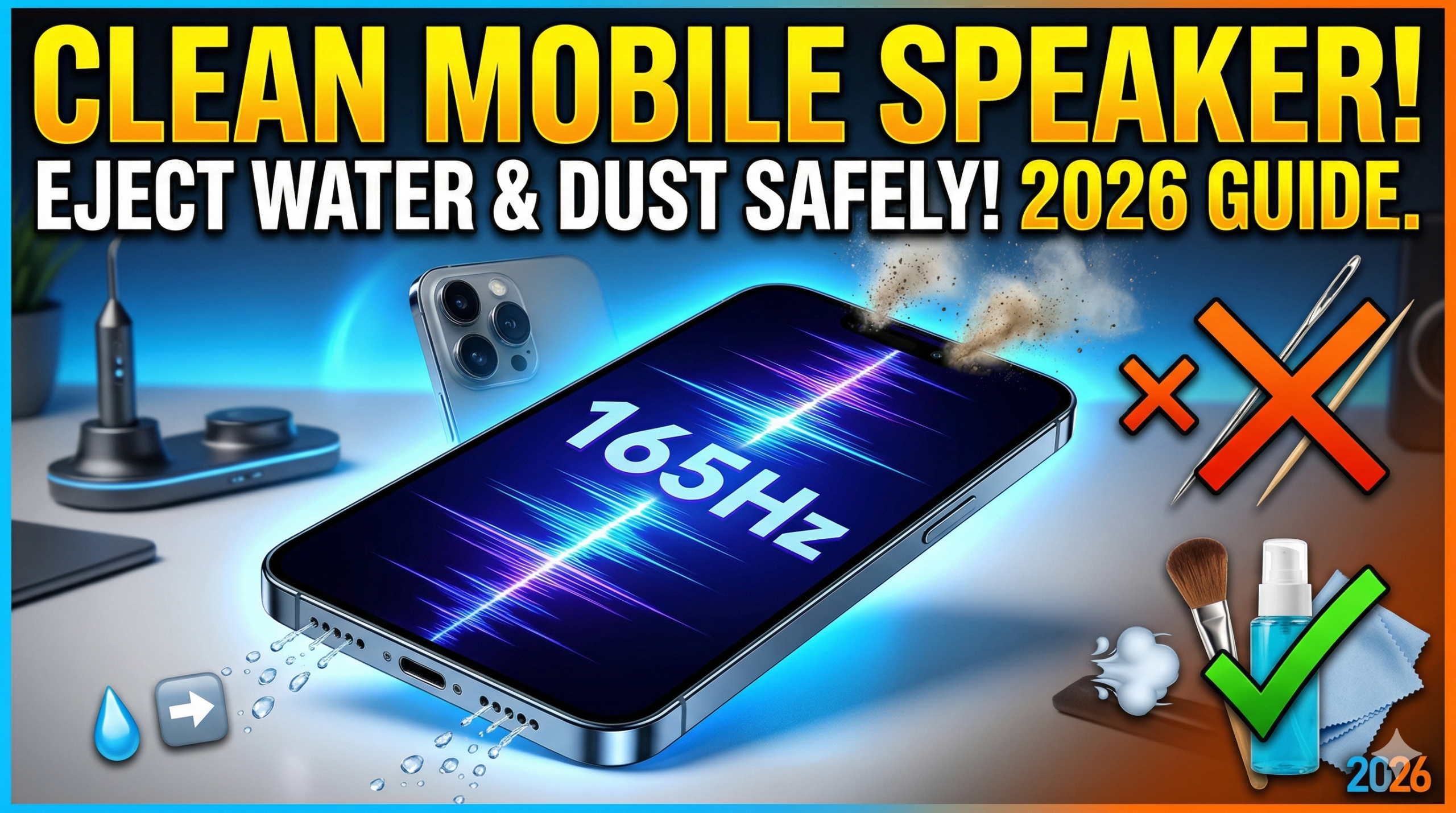
- High-Frequency Tones: Play a specific sound wave (typically between 165Hz and 200Hz). These frequencies create a high-amplitude vibration that literally “shakes” water droplets out of the grill.
- The Procedure: * Turn your phone volume to 100%.
- Face the speaker grills downward toward a soft cloth.
- Play the ejection tone for 60–90 seconds.
- You will see tiny beads of water or puffs of dust exit the ports.
Warning: Do not use ultrasonic cleaning apps for more than 3 minutes at a time, as the intense vibration can generate heat in the speaker coil.
3. Method 2: The Soft-Touch Manual Clean (Deep Dust)
For stubborn pocket lint that sound waves can’t move, you’ll need a physical approach. Never use a needle or toothpick, as these can puncture the waterproof seal (IP68 rating).
- The Soft Bristle Brush: Use a dedicated electronic cleaning brush or a brand-new, extra-soft toothbrush. Gently “flick” the bristles across the grill. Do not push the bristles into the holes; let the tips pull the dust out.
- Cleaning Putty / Blue Tack: Take a small piece of specialized electronics cleaning gel or mounting putty. Press it lightly against the speaker grill and pull it away quickly. The adhesive will lift out the dust that brushes miss.
- Air Dusters (Use with Caution): If using compressed air, hold the can at least 6 inches away. Never spray directly into the port, as the high pressure can rupture the internal speaker membrane.
4. Method 3: What to Do if You Dropped Your Phone in Water
If your phone took a dive into a pool or sink in 2026, the “Rice Method” is officially a myth. In fact, rice dust can enter the ports and turn into a sticky paste when mixed with water.
The 2026 Pro Protocol:
- Power Down Immediately: Prevent short-circuits.
- Dry the Exterior: Use a lint-free microfiber cloth.
- Gravity is Your Friend: Lean the phone at an angle with the speakers facing down.
- Use Silica Gel Packets: Place the phone in a sealed container with several “Do Not Eat” silica packets. These are far more efficient at pulling moisture out of internal components than rice.
- Run the Ejection Tone: Once the phone is externally dry, power it on and use the sonic ejection method mentioned in Section 2.
5. Professional Maintenance: Avoiding Future Clogs
Preventative care is the best way to ensure your audio stays crisp for the life of your device.
- Port Covers: If you work in a dusty environment (construction, woodworking), use a phone case with built-in dust flaps for the charging port and speakers.
- Monthly “Air-Purge”: Make it a habit to use a soft brush on your speakers once a month, even if they sound fine. This prevents dust from “compacting” into a hard layer.
- Avoid Sticky Residue: Never use liquids like rubbing alcohol or water directly on the speaker mesh, as they can dissolve the adhesives holding the waterproof gaskets in place.
Summary Checklist for a Clean Speaker
| Action | Best For | Safety Level |
| Sonic Tones | Water & Light Dust | ⭐⭐⭐⭐⭐ (Safest) |
| Soft Brush | Surface Lint | ⭐⭐⭐⭐ |
| Cleaning Gel | Deeply Embedded Dust | ⭐⭐⭐ |
| Compressed Air | High-Volume Cleaning | ⭐⭐ (Use Caution) |
| Needles/Pins | DO NOT USE | ❌ (Dangerous) |
Conclusion
Keeping your mobile speaker clean is essential for maintaining the resale value and functionality of your Android or iOS device. By using the Sonic Ejection method for liquids and Soft-Touch methods for solids, you can enjoy crystal-clear audio without ever stepping foot into a repair shop.