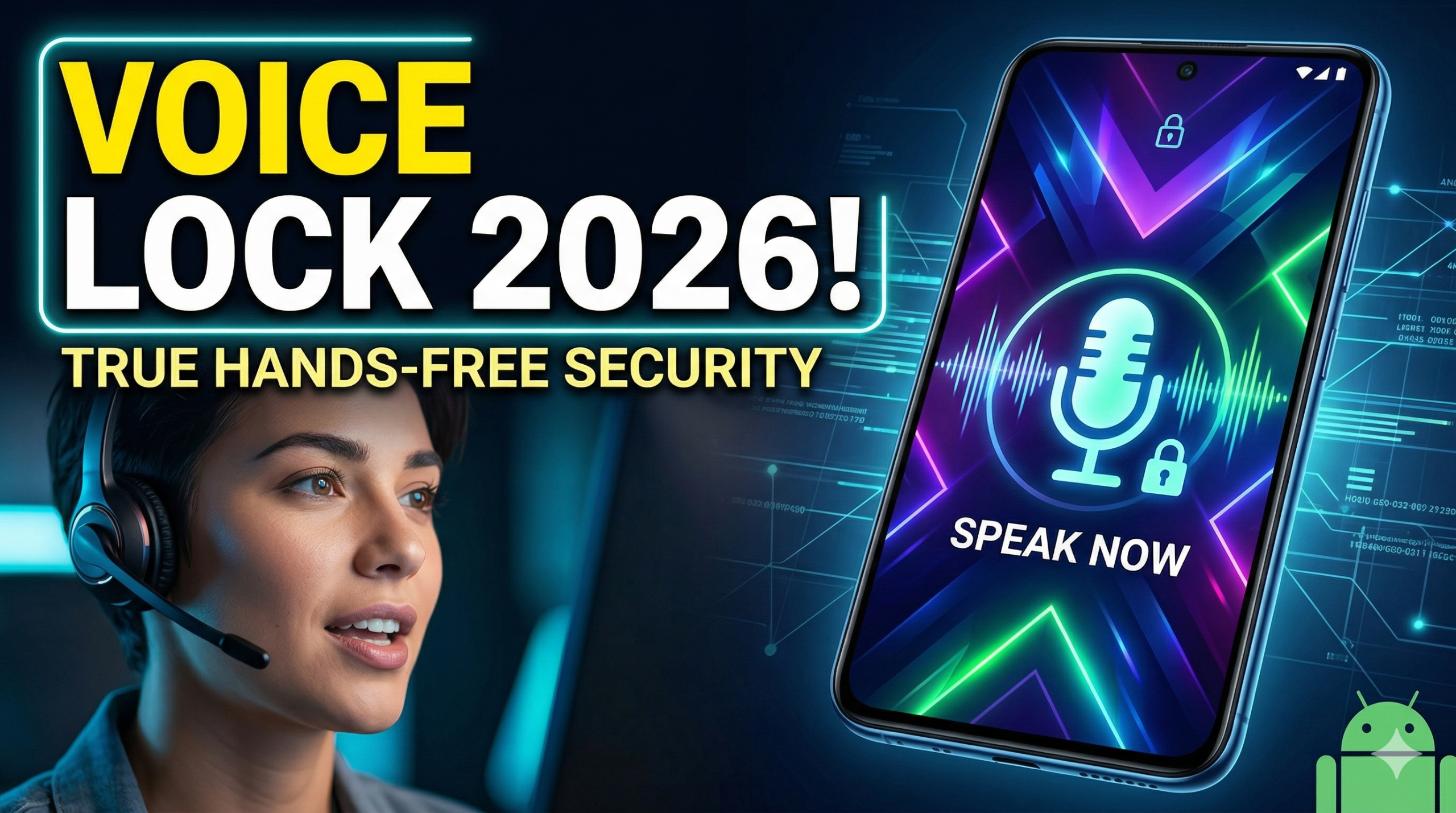
In the rapidly evolving landscape of mobile security, 2026 has become the year of the “voice-first” interface. While fingerprints and facial recognition have long been the gold standard, the Voice Screen Lock App has emerged as a powerhouse for users seeking a blend of high-tech security, accessibility, and pure convenience.
Whether you’re driving, cooking, or simply want to feel like you’re living in a sci-fi movie, unlocking your phone with a personalized voice command is no longer a gimmick—it’s a lifestyle. This comprehensive guide explores why these apps are trending, how they work, and the best options available for your Android device in 2026.
Why Use a Voice Screen Lock in 2026?
Traditional unlocking methods often fall short in modern, high-activity scenarios. Here is why thousands of users are switching to voice-activated security:
- True Hands-Free Accessibility: If your hands are messy while cooking or busy on the steering wheel, traditional PINs and patterns are a liability. A voice command bridges that gap instantly.
- A Unique Layer of Privacy: Unlike a pattern that can be “shoulder-surfed” (seen by someone standing behind you), a voice password is much harder to replicate exactly.
- Advanced AI Integration: The 2026 generation of these apps utilizes Neural Voice Recognition, which can distinguish between your live voice and a recording, significantly reducing the risk of unauthorized access.
- Personalized Aesthetics: Most modern apps allow you to pair your voice lock with stunning 4K wallpapers and custom animations, making your lock screen truly yours.
Top 3 Voice Screen Lock Apps for Android (2026 Edition)
Based on recent updates and user ratings, these are the leading apps currently dominating the Google Play Store:
1. Voice Screen Lock: Speak Lock (by Piontech Studio)
This app has set the benchmark for 2026. It features an incredibly high accuracy rate thanks to its offline AI processing.
- Key Feature: Supports “Time-Based PINs” as a backup.
- Best For: Users who want a professional, sleek interface with zero lag.
2. Smart Voice Lock (by Axion MobiSolution)
Known for its robust customization, this app lets you change everything from the microphone icon to the font of the date display.
- Key Feature: “Intruder Selfie” mode that snaps a photo of anyone trying to guess your voice command.
- Best For: Security-conscious users who want visual proof of attempted break-ins.
3. Voice Lock: 4K Themes (by Next Generation Apps)
If aesthetics matter as much as security, this is your go-to. It offers a library of over 500+ dynamic wallpapers that react when you speak.
- Key Feature: Multilingual support (works seamlessly with English, Spanish, Hindi, and Arabic).
- Best For: Global users and those who love high-resolution visuals.
How to Set Up Your Voice Lock Safely
Setting up your app correctly is the difference between a secure phone and a frustrating experience. Follow these steps:
- Download & Permissions: Install your chosen app from a trusted source. You will need to grant Microphone and Overlay permissions so the app can listen for your command and appear over your home screen.
- Set Your Voice Password: Choose a phrase that is unique but easy for you to remember. Avoid simple words like “Unlock” or “Hello.” Instead, try something like “Blue Skies 2026” or “Project Alpha Activate.”
- Configure Backup Security: Never rely on voice alone. Always set a Backup PIN or Pattern. This is crucial for noisy environments (like concerts) where the app might struggle to hear you.
- Test the Sensitivity: Most apps in 2026 have a “Sensitivity Slider.” Adjust this so it doesn’t trigger accidentally but recognizes you even if you have a slight cold or a raspy voice.
Security vs. Convenience: The 2026 Verdict
Is a Voice Screen Lock as secure as a 20-digit password? Perhaps not for a high-security government device. However, for the average user, it offers a deterrent that is much stronger than no lock at all.
Pro Tip: In 2026, many of these apps now integrate with Google Assistant. You can set a routine where saying “I’m home” not only unlocks your phone but also turns on your smart lights and plays your favorite playlist.
Frequently Asked Questions (FAQs)
Q: Does the app drain my battery by “always listening”?
A: Modern apps use “Low-Power Voice Activation” (LPVA) technology. This ensures the app only consumes significant battery when it detects a sound profile similar to human speech.
Q: Can a recording of my voice unlock the phone?
A: The top-tier apps of 2026 include Liveness Detection. They analyze the frequency and “depth” of the sound to ensure it is a live human speaking and not a digital playback.
Q: What if I forget my voice password?
A: You can always use your Recovery PIN or your Google Account credentials to regain access to your device.
Final Thoughts
The Voice Screen Lock App 2026 is more than just a security tool; it’s a statement of how we interact with our tech. It’s fast, futuristic, and incredibly useful for the multi-tasking individual.